Can I save recipes from Instagram or TikTok?
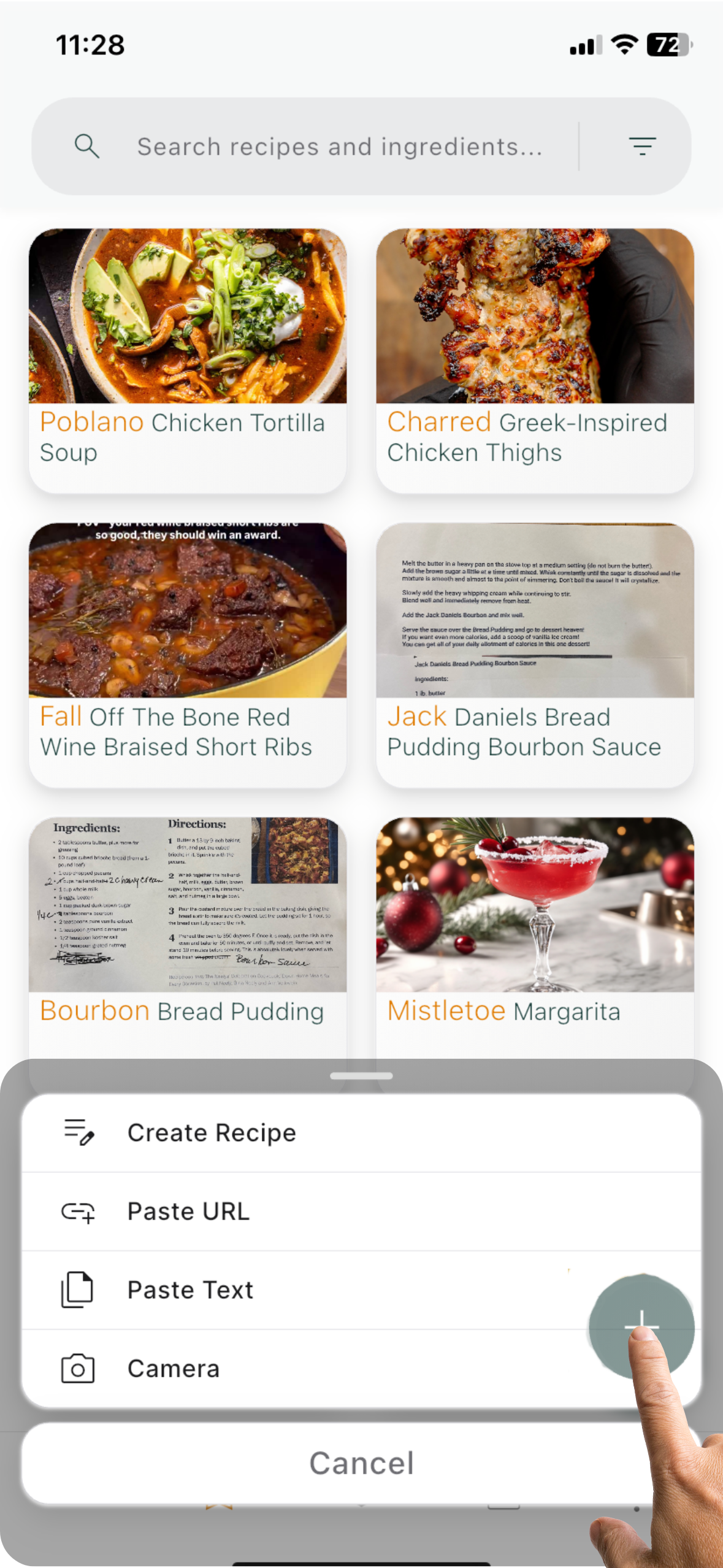
Yes! Tap Share → Meal Mingle directly from Instagram, TikTok, YouTube, or other apps.
We’ll automatically extract ingredients, steps, and credits.
What are smart imports?
Smart imports automatically extract ingredients and steps from links or text.
Free: 5 per month. Premium: unlimited.
What is a cookbook?
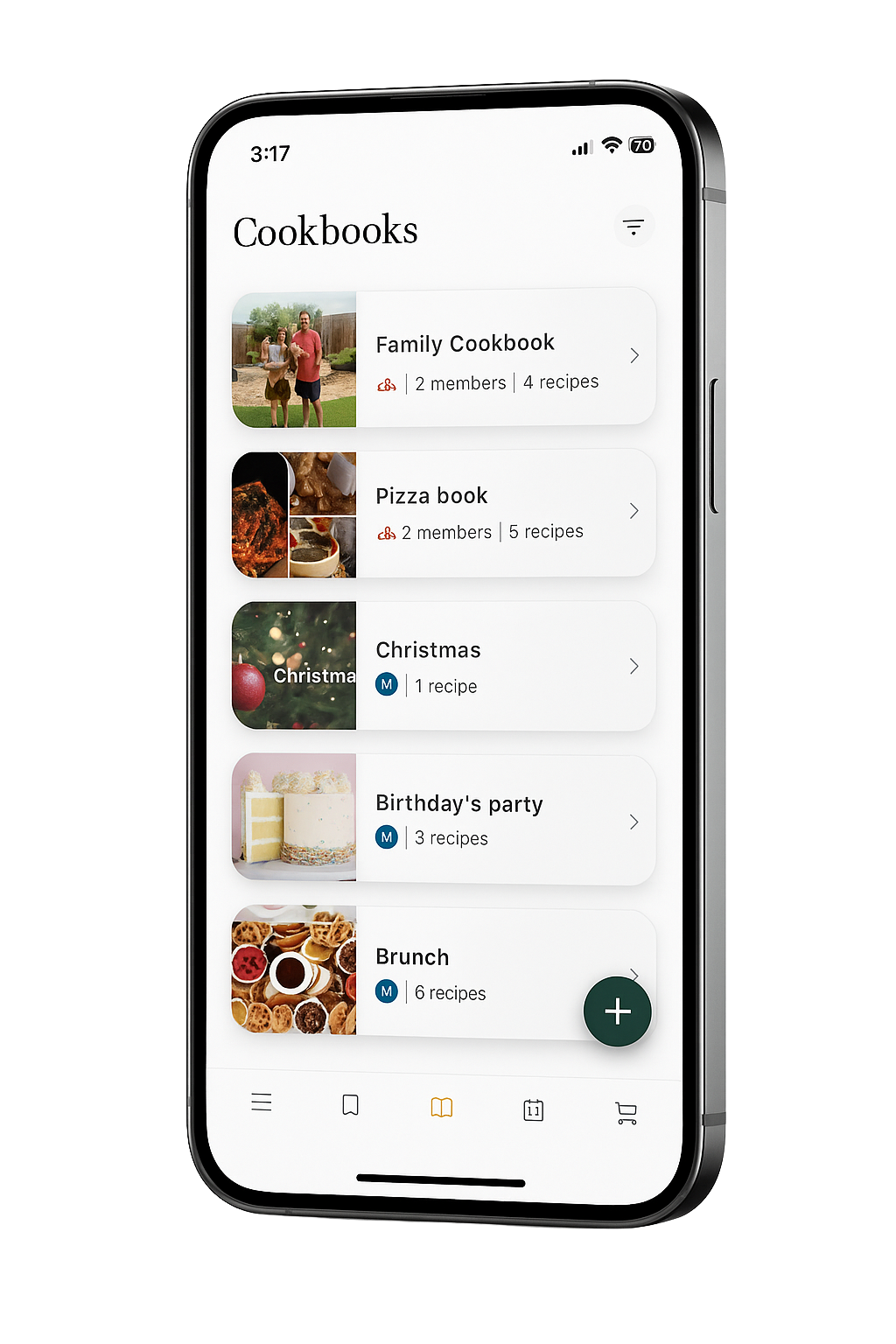
Cookbooks are collections that help you stay organized.
Create personal sets (e.g. “Weeknight Wins”) or shared ones with family and friends so everyone can add recipes together.
How does Cook Mode work?
Tap Cook Mode on any recipe to view step-by-step instructions with timers and ingredient quantities —
all in a hands-free layout. Premium unlocks the full experience.
Can I scale ingredients?
Yes! Adjust the servings in any recipe, and all ingredient quantities update automatically.
Can I search by ingredient?
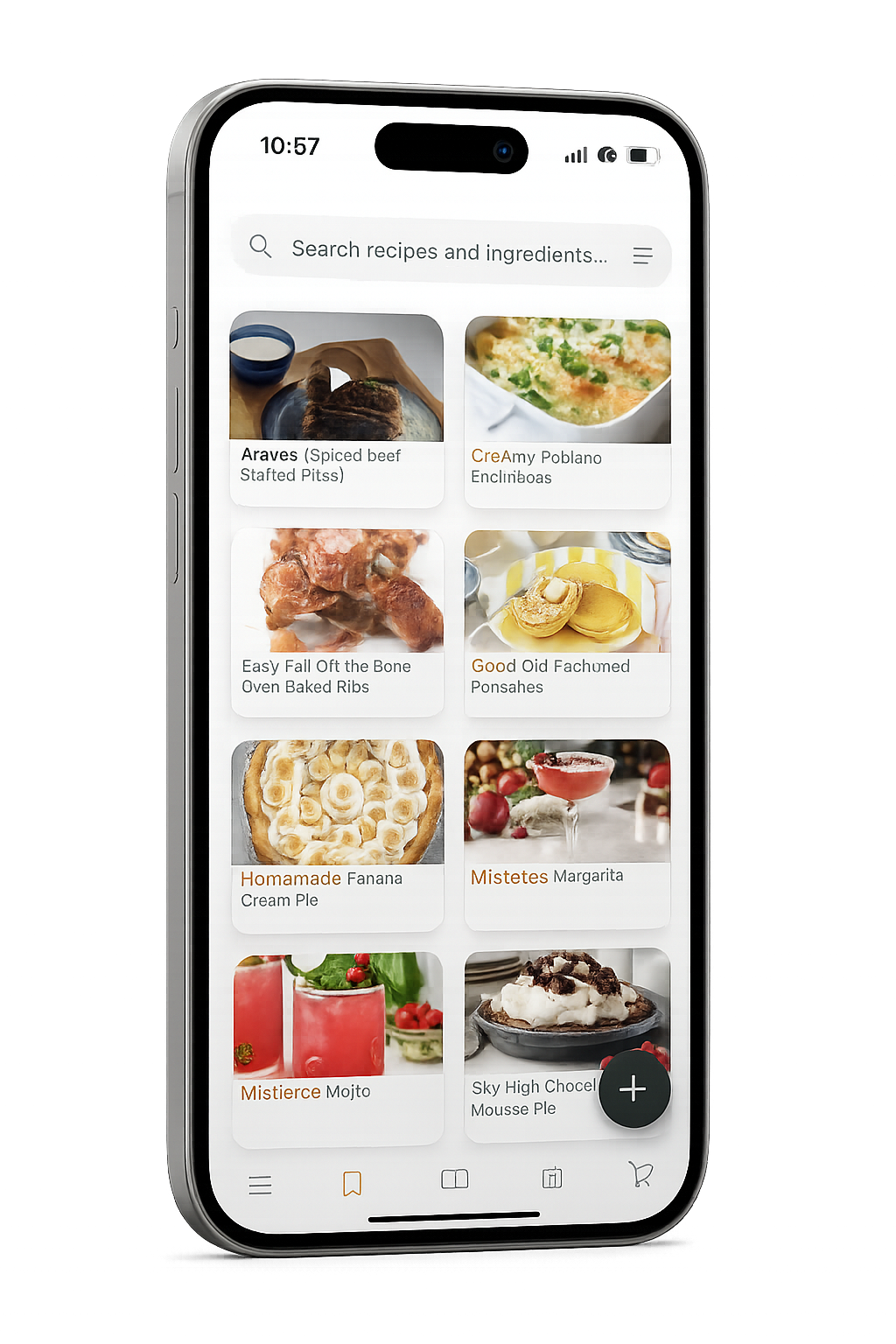
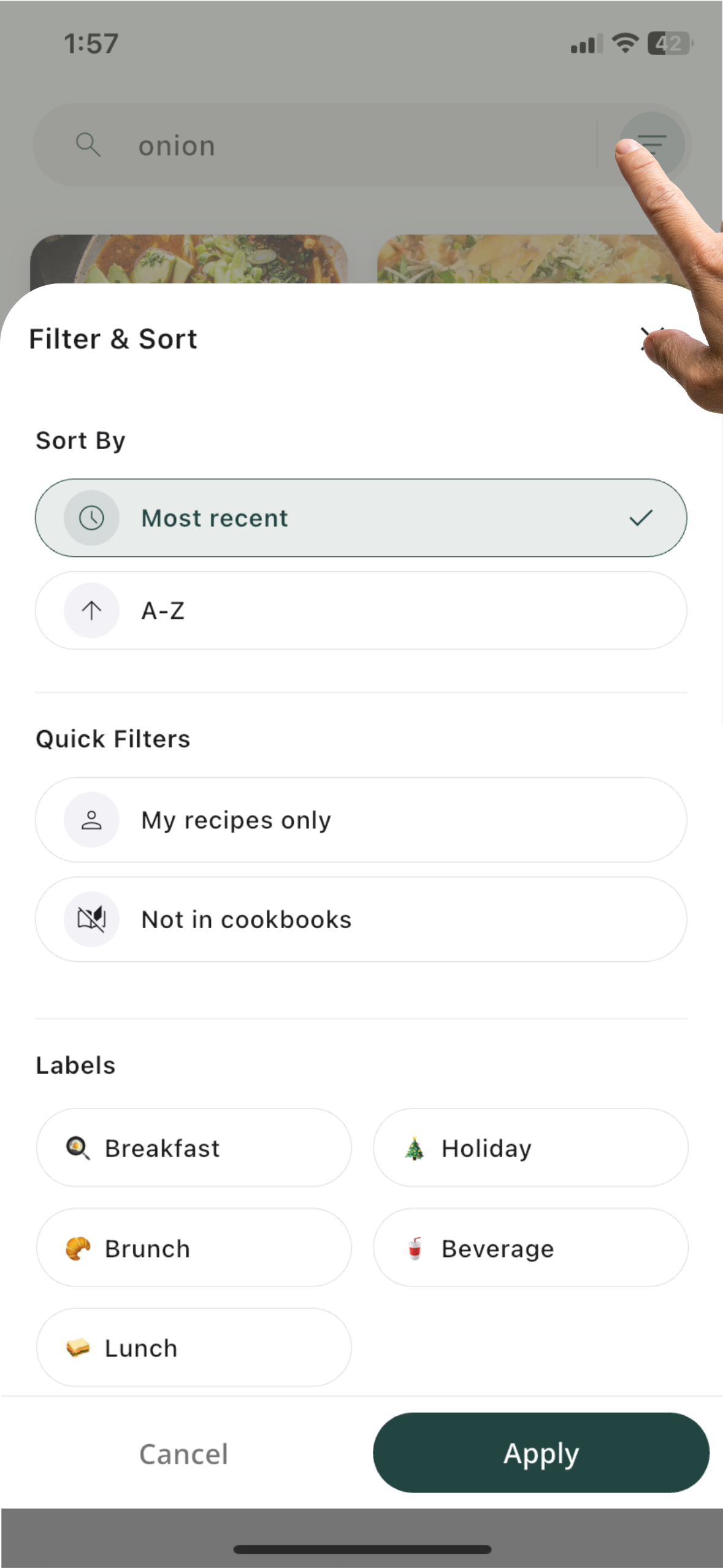
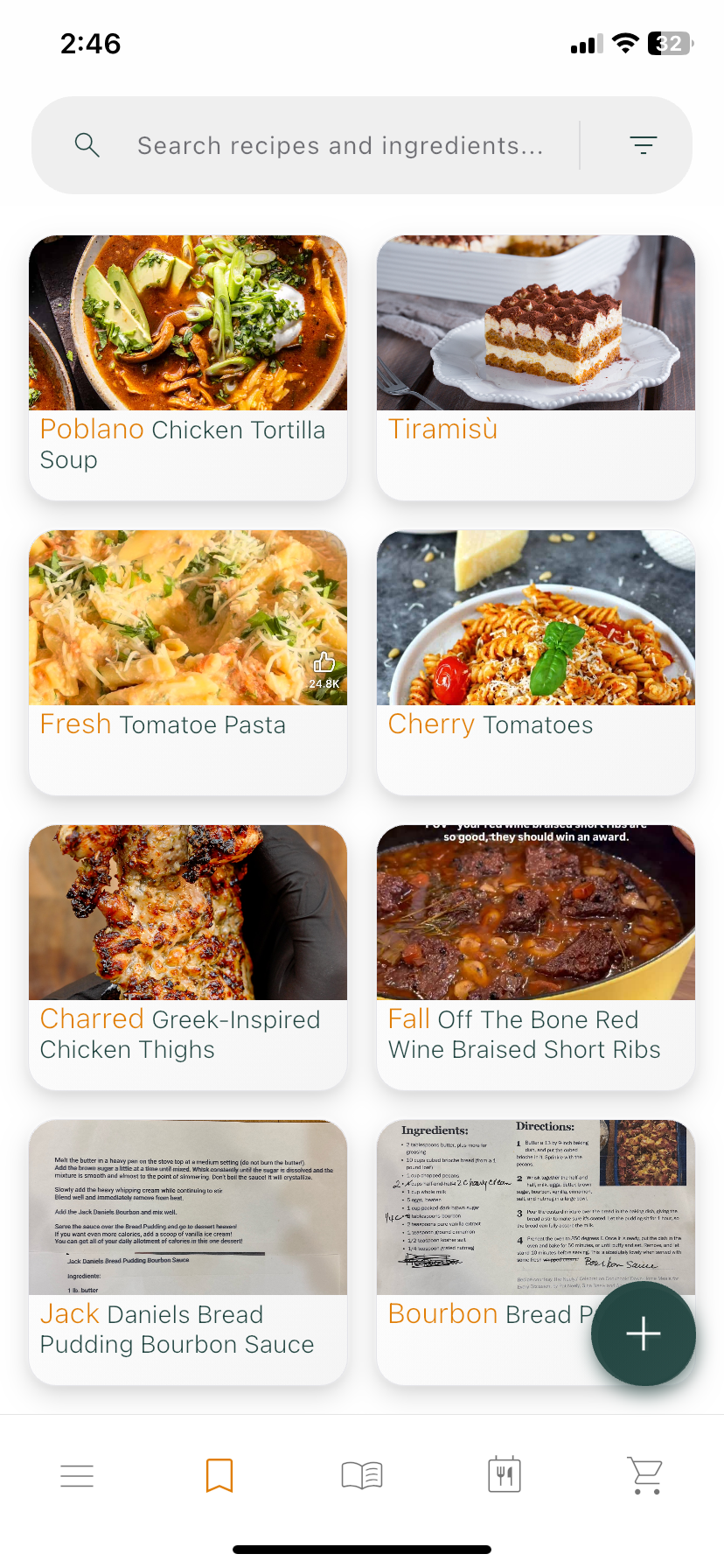
Absolutely. Search by recipe name, ingredient, diet, time, or your custom labels.
Does the app work offline?
Saved recipes are cached for offline viewing. They’ll sync again once you’re back online.
How do I manage or cancel my subscription?
Go to Settings → Subscription → Manage in the app. You’ll be redirected to the App Store or Google Play to cancel or update your plan.
Can I get a refund?
Refunds are handled directly by your App Store or Google Play account.
How do I delete my account?
Email support@meal-mingle.com with the subject “Account Deletion.”
This will permanently remove your data and cannot be undone.
Does Meal Mingle sync across devices?
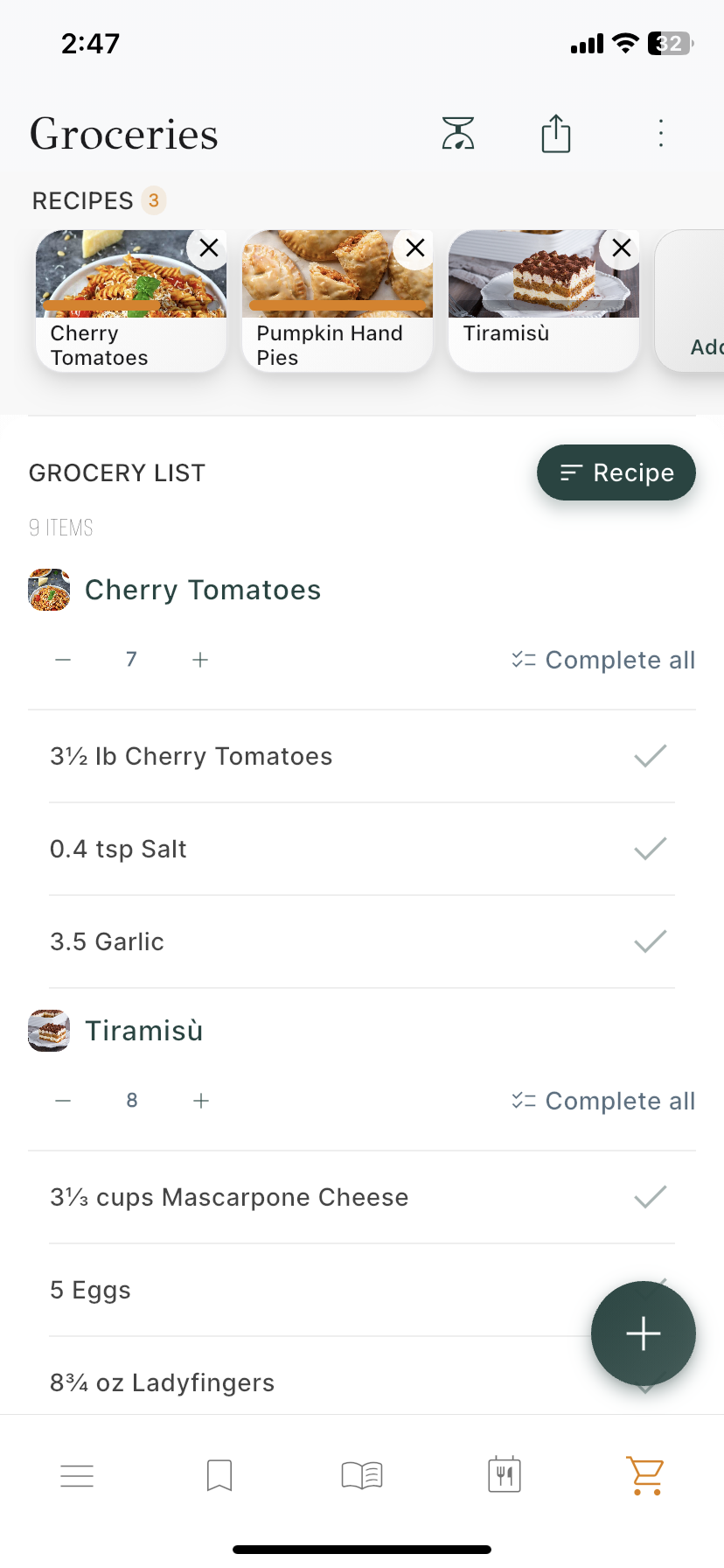
Yes! Your recipes, cookbooks, and grocery lists stay synced automatically when you’re signed in with the same account.