Save recipes no matter where you find them

Everything you need to cook smarter, not harder.

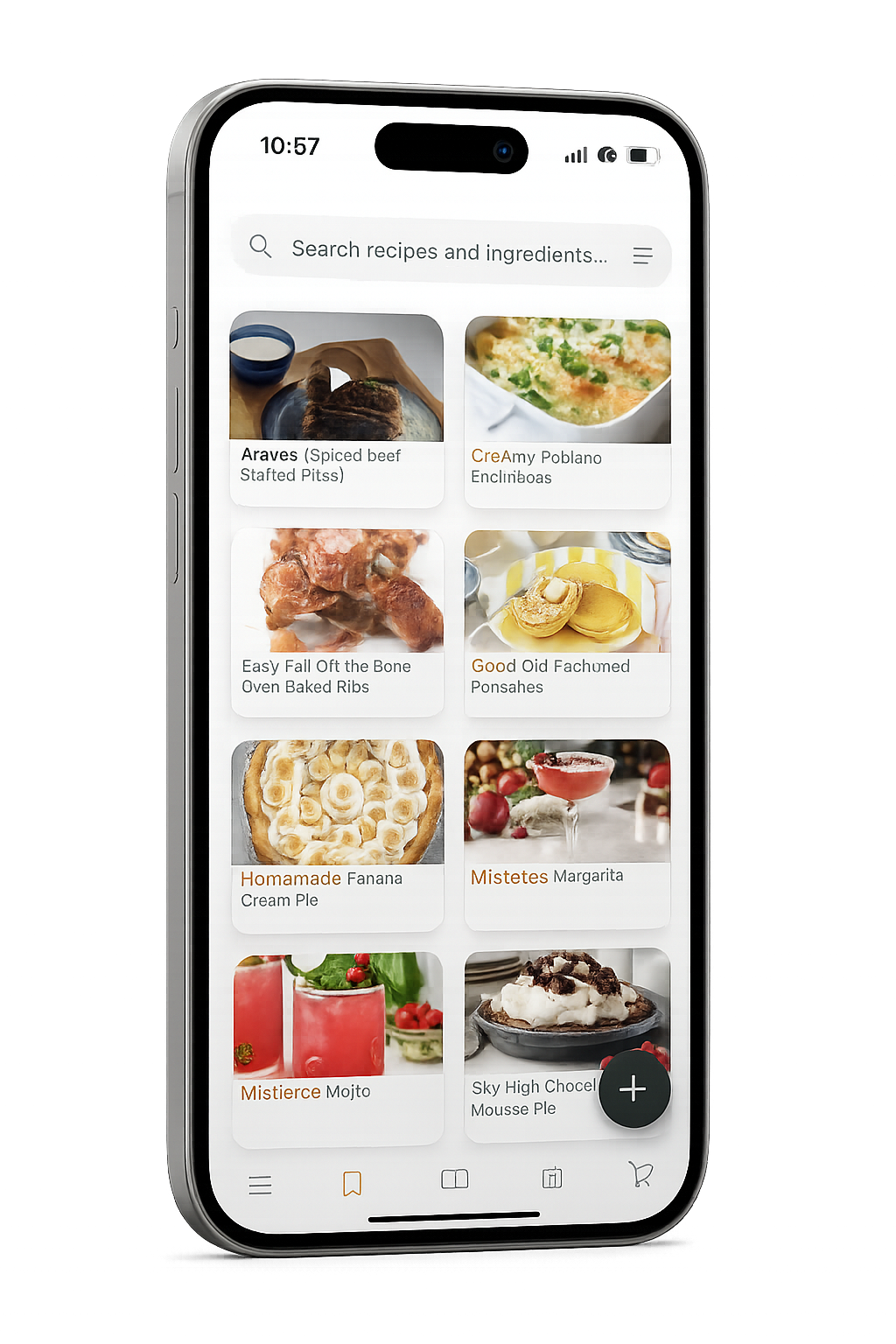
Meal Mingle brings clarity and simplicity to your kitchen. Bring your recipes together from anywhere, plan your week with ease, and enjoy a cooking experience that stays perfectly organized.

Download on App Store
app screen 1
app screen 2
Import screen
Import Recipes From Anywhere

Bring your favorite dishes together effortlessly.

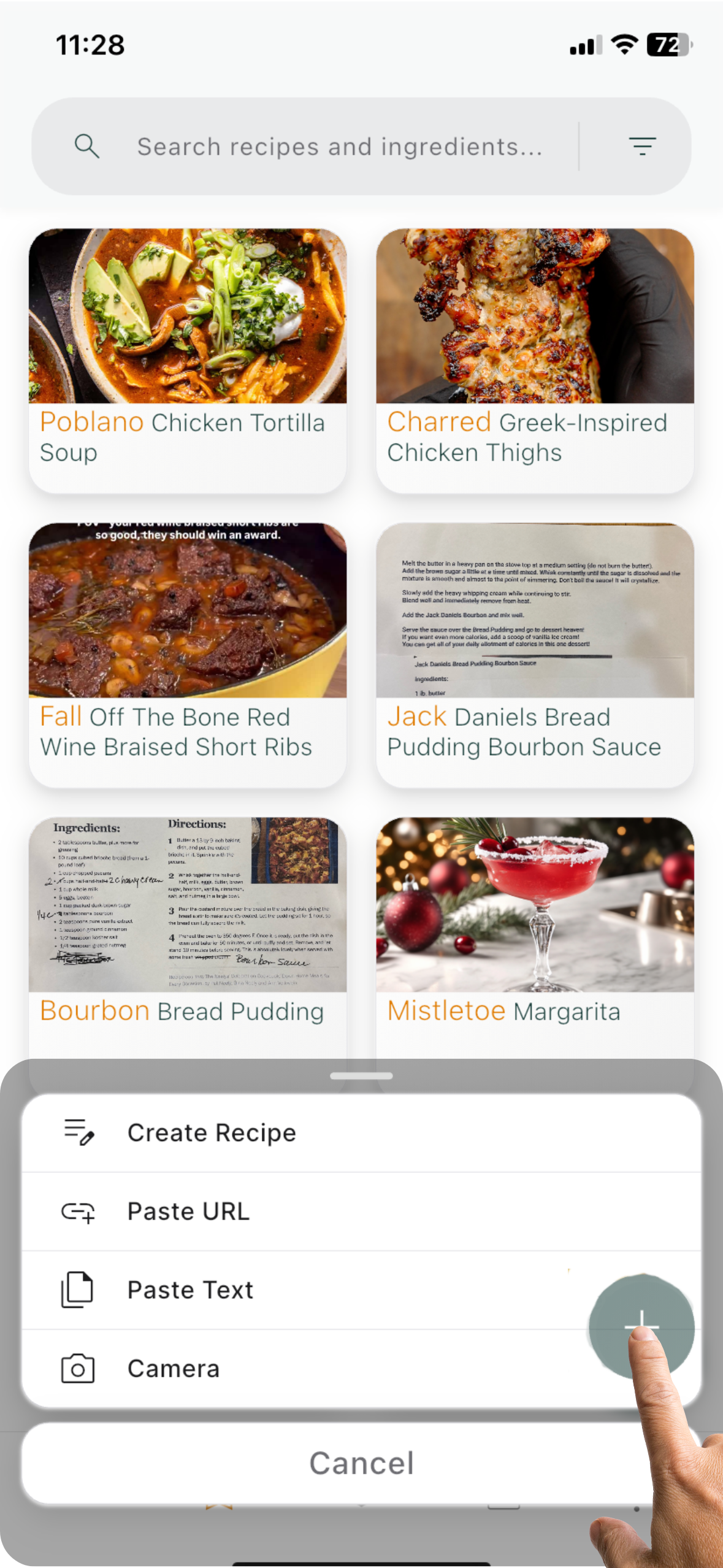
Import from websites, blogs, social media, drop in text or a photo, add them manually or use our shortcut. Meal Mingle cleans and organizes everything for you.

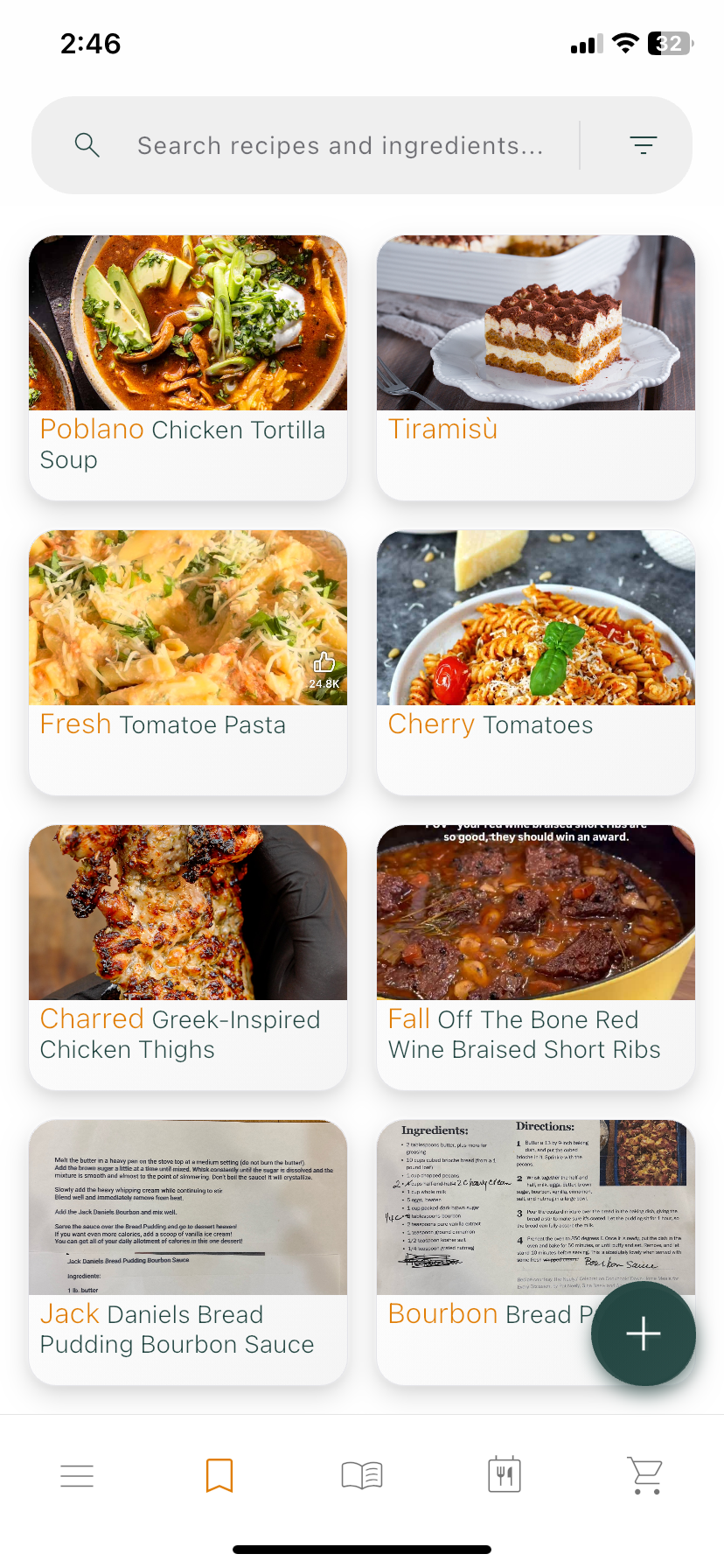
Smart Recipe & Ingredient Search

Find exactly what you need in seconds.

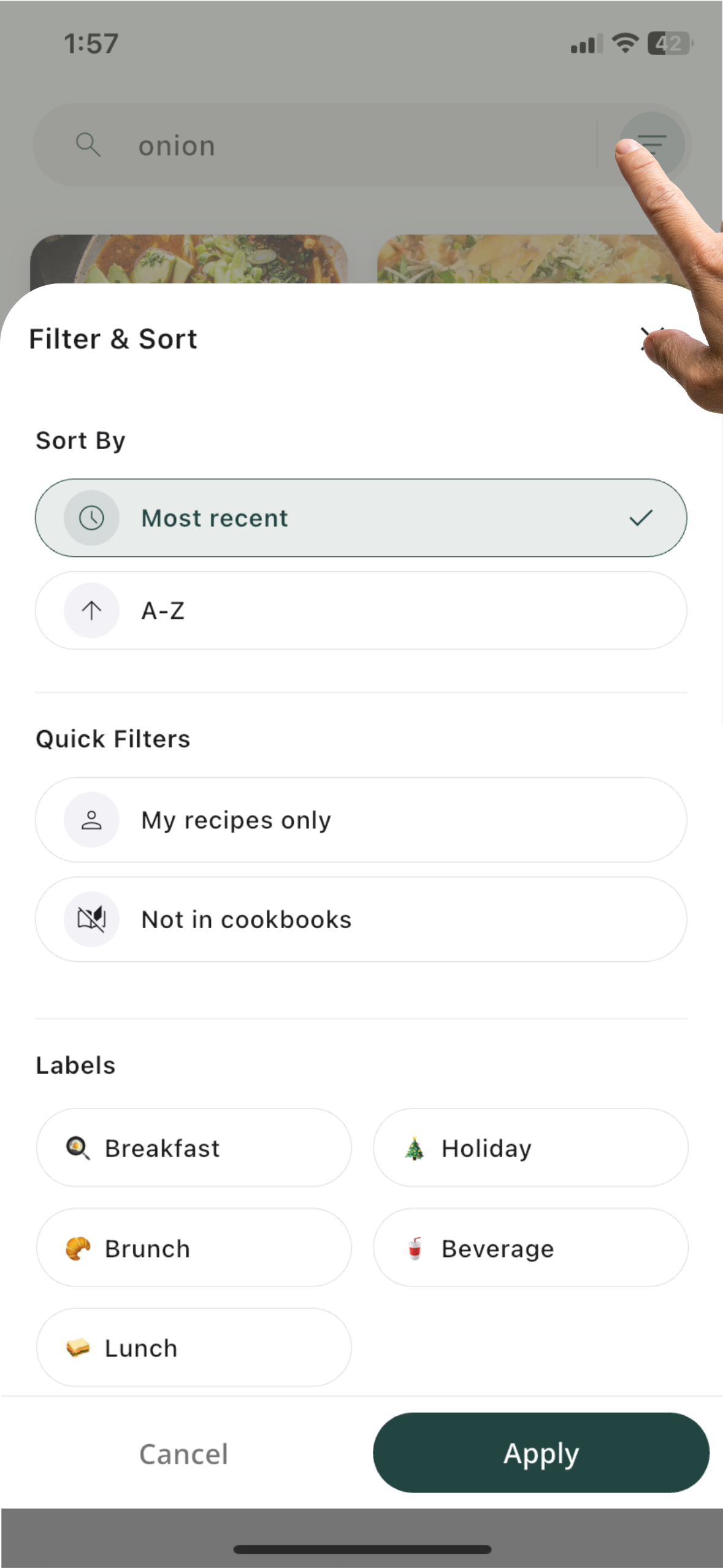
Search by ingredient or recipe, then sort and filter using your labels or additional options to keep your recipe library effortlessly organized.

Smart search screen
Shopping cart screen
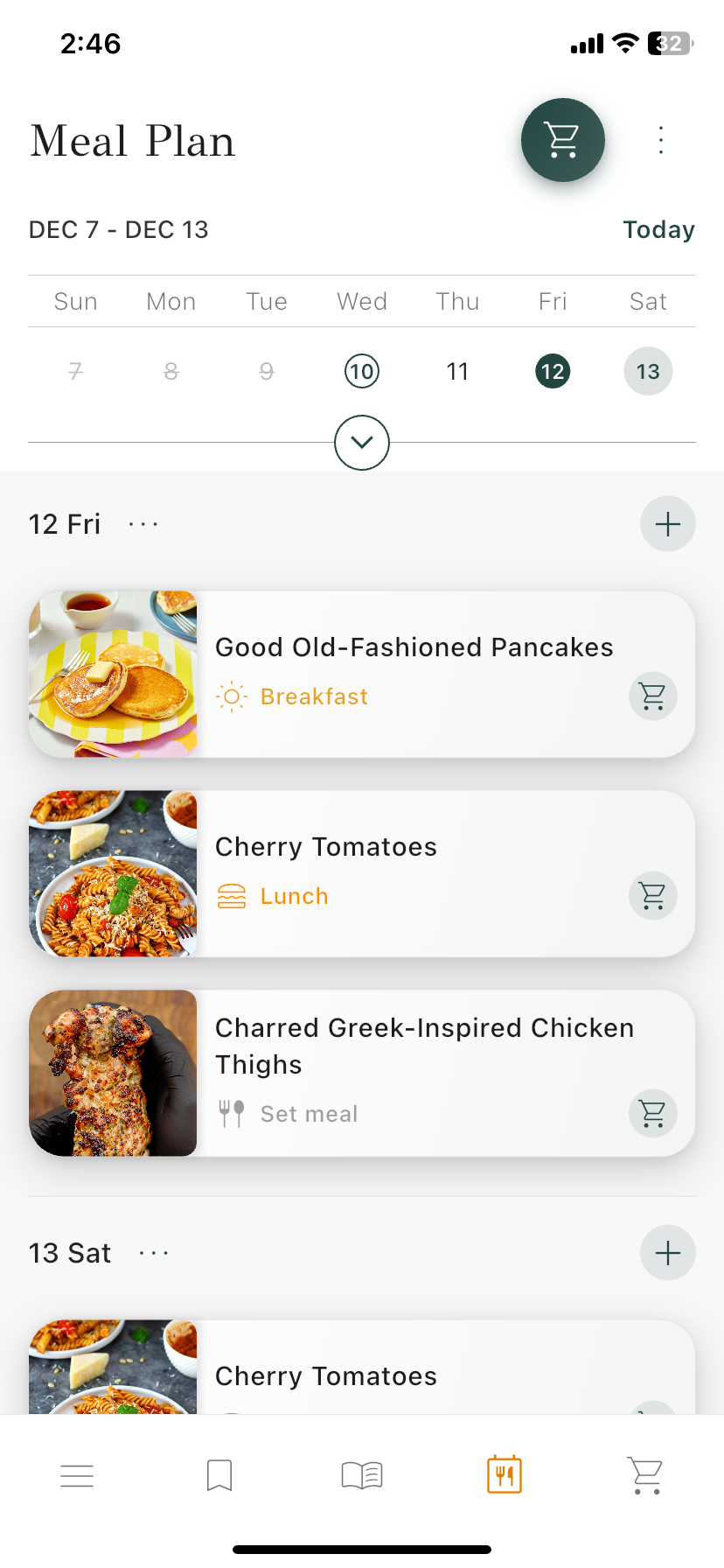
Meal Planner

Weekly meal planning made effortless.

Add your favorite recipes or quickly copy meals from past days and weeks, all with simple drag-and-drop control.

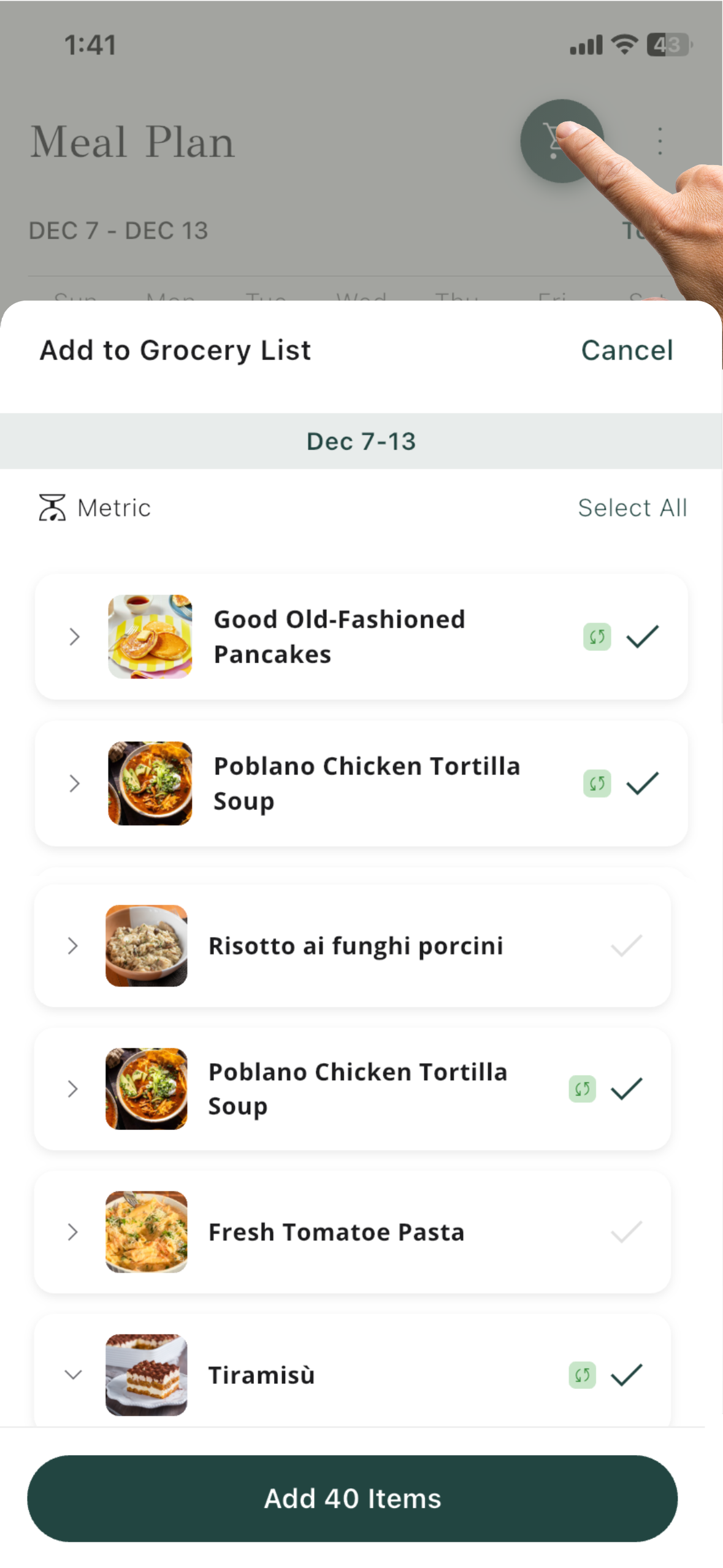
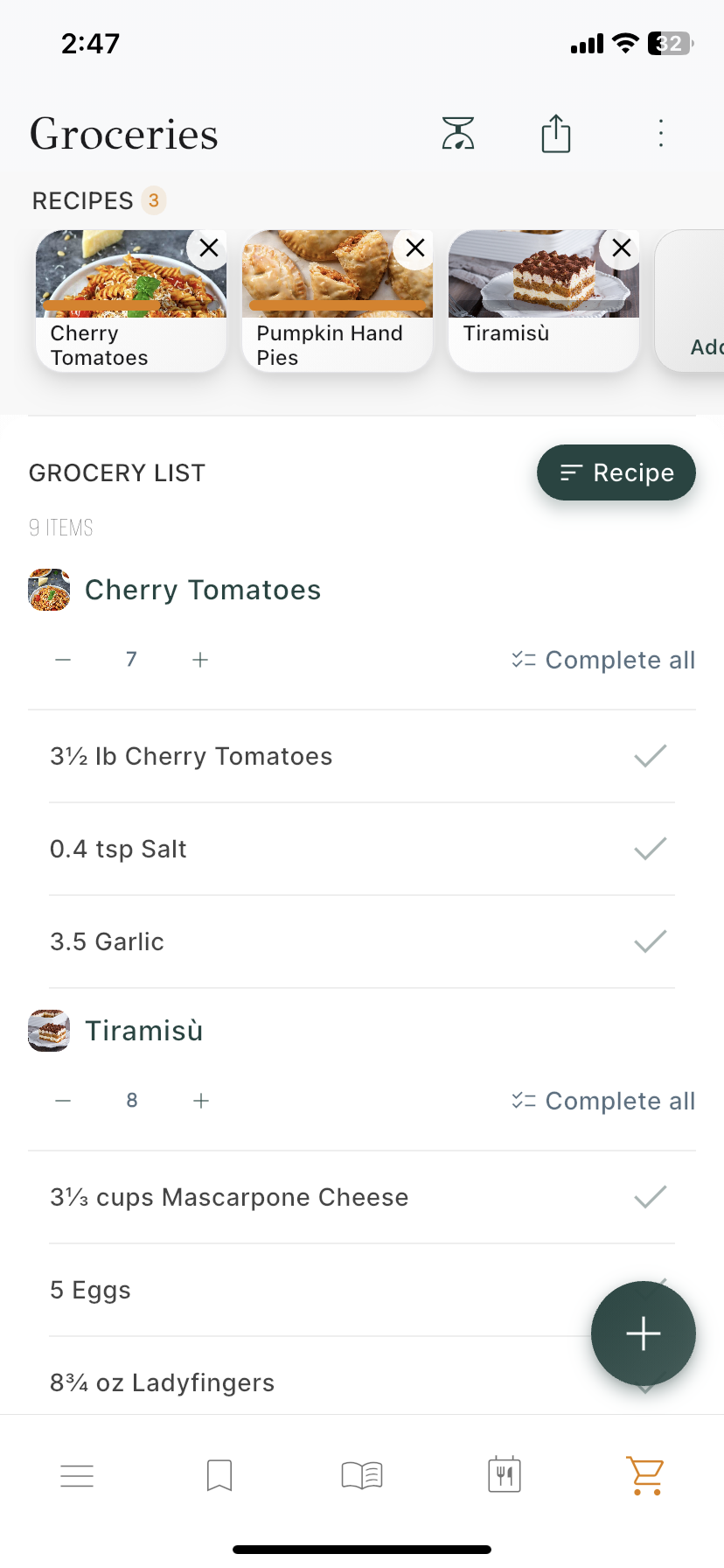
Smart Grocery Lists

A grocery list that adapts to you.

Add items manually or directly from recipes and your meal plan. View them organized by recipe, aisle, or recent additions, always synced across devices.

Household recipe screen
Household meal plan screen
Household groceries screen
Household Sync

Keep everyone on the same page.

Recipes, meal plans, and grocery lists are shared across all members, with instant updates for everyone.

For your kitchen, there's
a smarter way

Import from any website
One click, instant recipe.
Share a link from your favorite site. Meal Mingle cleans, formats, and saves it automatically.
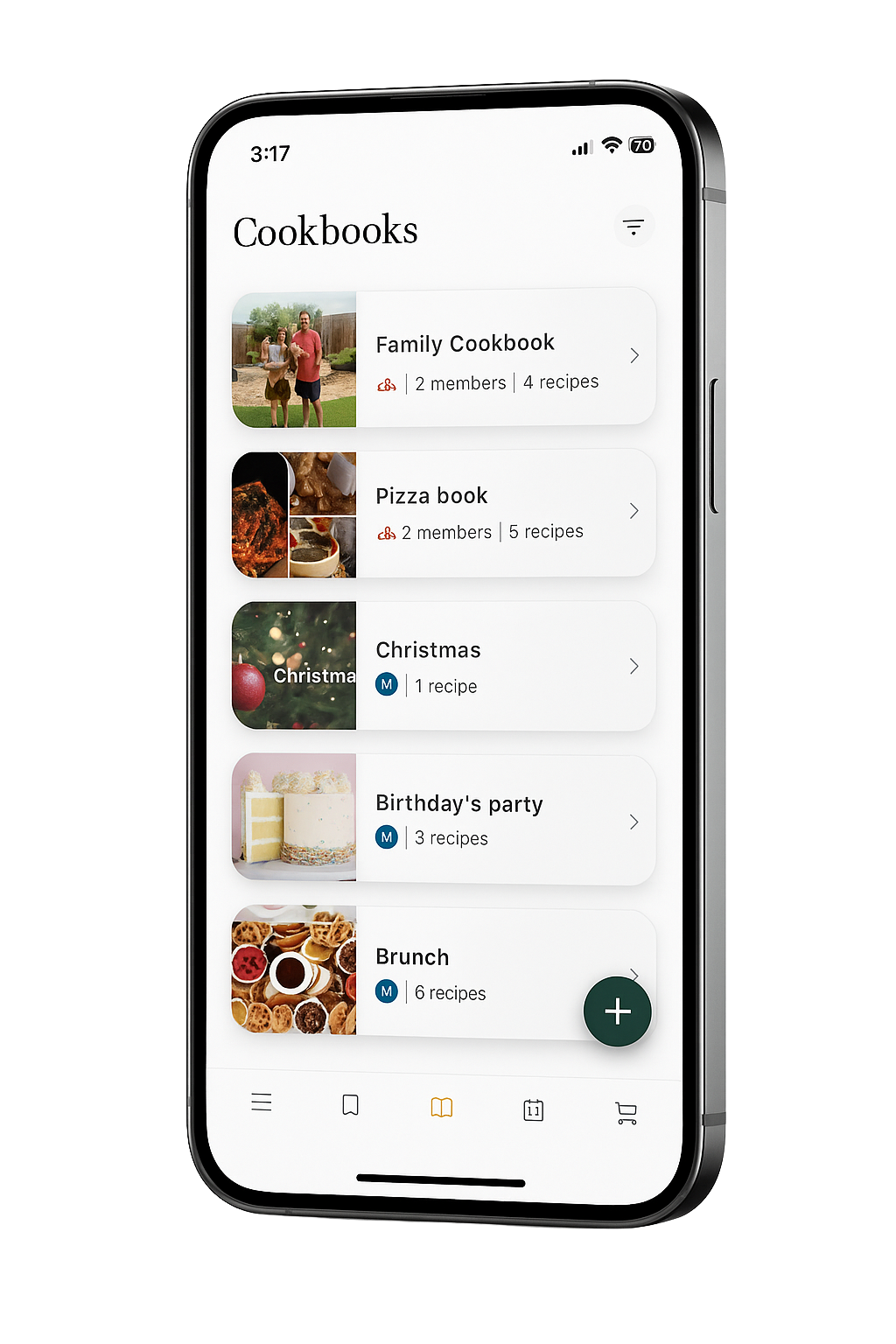
Cookbooks for every moment
Shared with the people who matter.
Create your own collections and invite family and friends to add their favorite recipes.
Cloud sync
Your kitchen, everywhere.
Access your recipes across all devices. Start on your phone, finish on your tablet.
Ad-free
Focus on the food, not the noise.
Enjoy a calm, distraction-free cooking experience with just you and your next dish.

Plans & Pricing

Features
Free
Premium
Ad-free experience
βˆ’
βœ“
Unlimited smart imports
5/mo
βœ“
Manual recipe entry
βœ“
βœ“
Recipe management
βœ“
βœ“
Enhanced cooking instructions
βˆ’
βœ“
Meal plan
βœ“
βœ“
Groceries
βœ“
βœ“
Create household (up to 4 users)
βˆ’
βœ“
Household meal plans & groceries
βˆ’
βœ“
Household member's recipes
βˆ’
βœ“
Free
$0

Start with essential features.

5/per mo
Ad-free experience
Unlimited smart imports
Manual recipe entry
Recipe management
Enhanced cooking instructions
Meal plan
Groceries
Create household (up to 4 users)
Household meal plans & groceries
Household member's recipes
Pro
$2.99 /mo

Everything in Free, plus premium features.

Free
$0

Start with essential features.

Pro
$2.99 /mo

Everything in Free, plus premium features.

Frequently Asked Questions

Can I save recipes from Instagram or TikTok?
Yes! Tap Share β†’ Meal Mingle directly from Instagram, TikTok, YouTube, or other apps. We’ll automatically extract ingredients, steps, and credits.
What are smart imports?
Smart imports automatically extract ingredients and steps from links or text. Free: 5 per month. Premium: unlimited.
What is a cookbook?
Cookbooks are collections that help you stay organized. Create personal sets (e.g. β€œWeeknight Wins”) or shared ones with family and friends so everyone can add recipes together.
How does Cook Mode work?
Tap Cook Mode on any recipe to view step-by-step instructions with timers and ingredient quantities β€” all in a hands-free layout. Premium unlocks the full experience.
Can I scale ingredients?
Yes! Adjust the servings in any recipe, and all ingredient quantities update automatically.
Can I search by ingredient?
Absolutely. Search by recipe name, ingredient, diet, time, or your custom labels.
Does the app work offline?
Saved recipes are cached for offline viewing. They’ll sync again once you’re back online.
How do I manage or cancel my subscription?
Go to Settings β†’ Subscription β†’ Manage in the app. You’ll be redirected to the App Store or Google Play to cancel or update your plan.
Can I get a refund?
Refunds are handled directly by your App Store or Google Play account.
How do I delete my account?
Email support@meal-mingle.com with the subject β€œAccount Deletion.” This will permanently remove your data and cannot be undone.
Does Meal Mingle sync across devices?
Yes! Your recipes, cookbooks, and grocery lists stay synced automatically when you’re signed in with the same account.